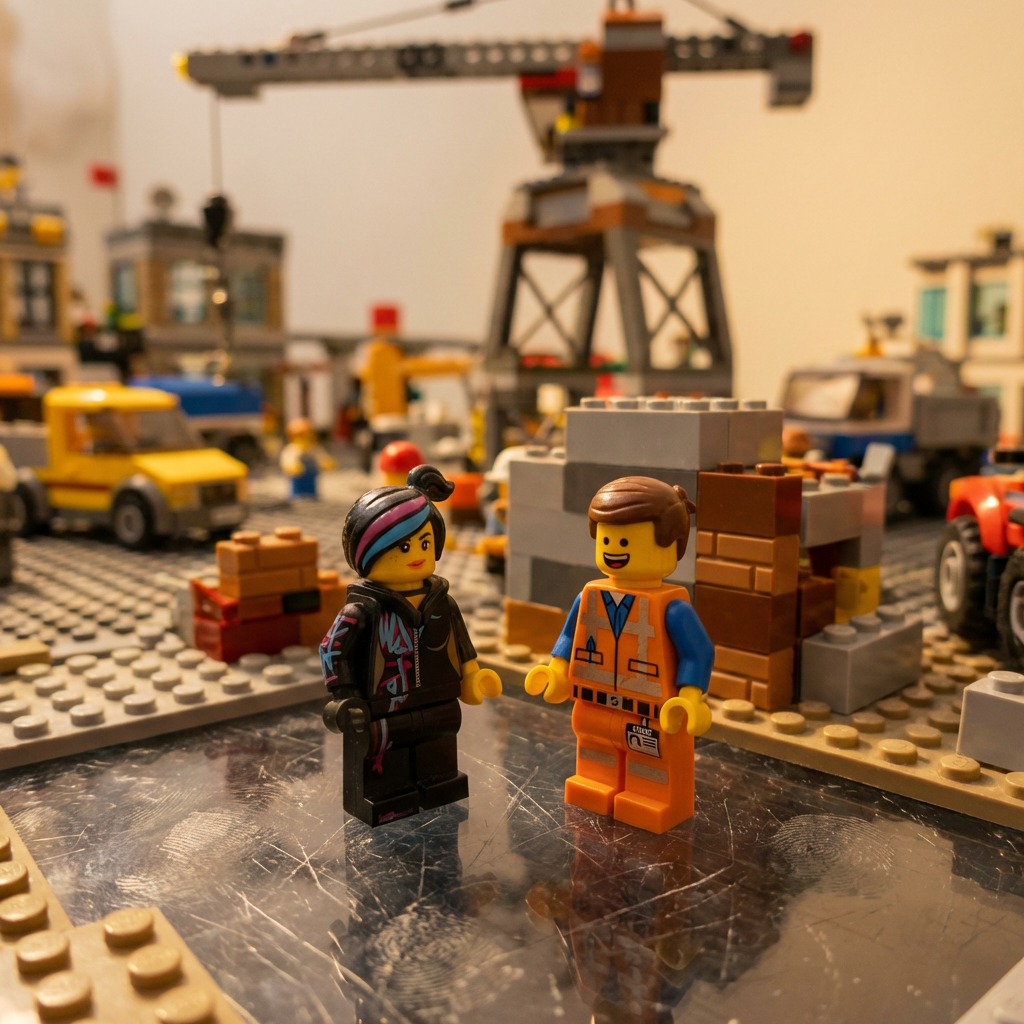
Reimagine as a scene from The LEGO Movie.
1{2 "TASK": "Reimagine as a scene from The LEGO Movie.",3 "VISUAL_ID": "Macro photography of plastic bricks. Stop-motion feel.",...+5 more lines

Create an isometric miniature 3D model of your own picture.
Make a miniature, full-body, isometric, realistic figurine of this person, wearing ABC, doing XYZ, on a white background, minimal, 4K resolution.
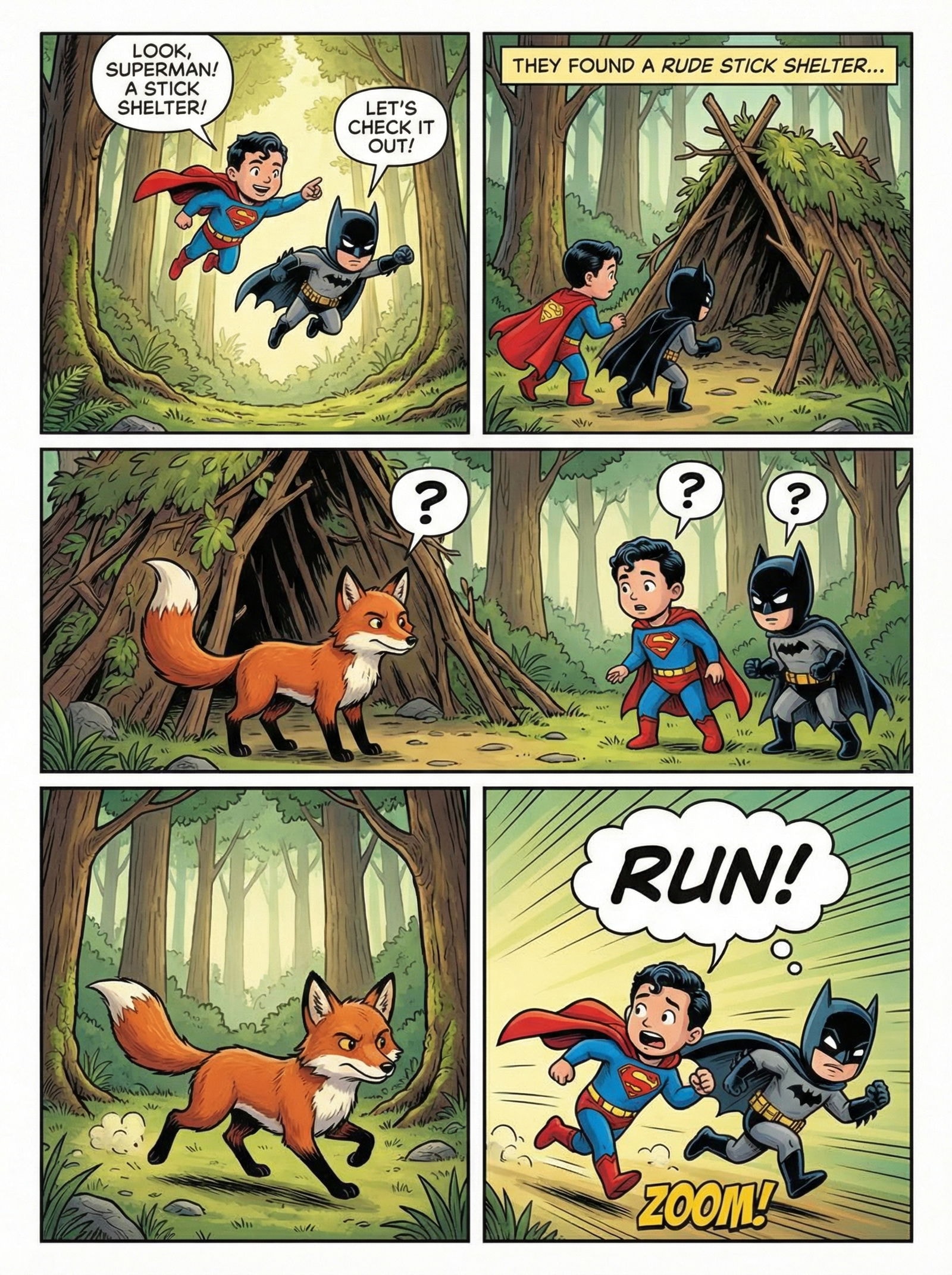
Your story as a blockbuster comic page.
1story: a child superman and a child batman joins their forces together in a forest. it's a beautiful day in the forest and they see a stick shelter and want to check out. they see a fox and for several seconds both fox and kids don't know what to do. they think first. then they all decide to run in opposite directions23instructions: {...+185 more lines
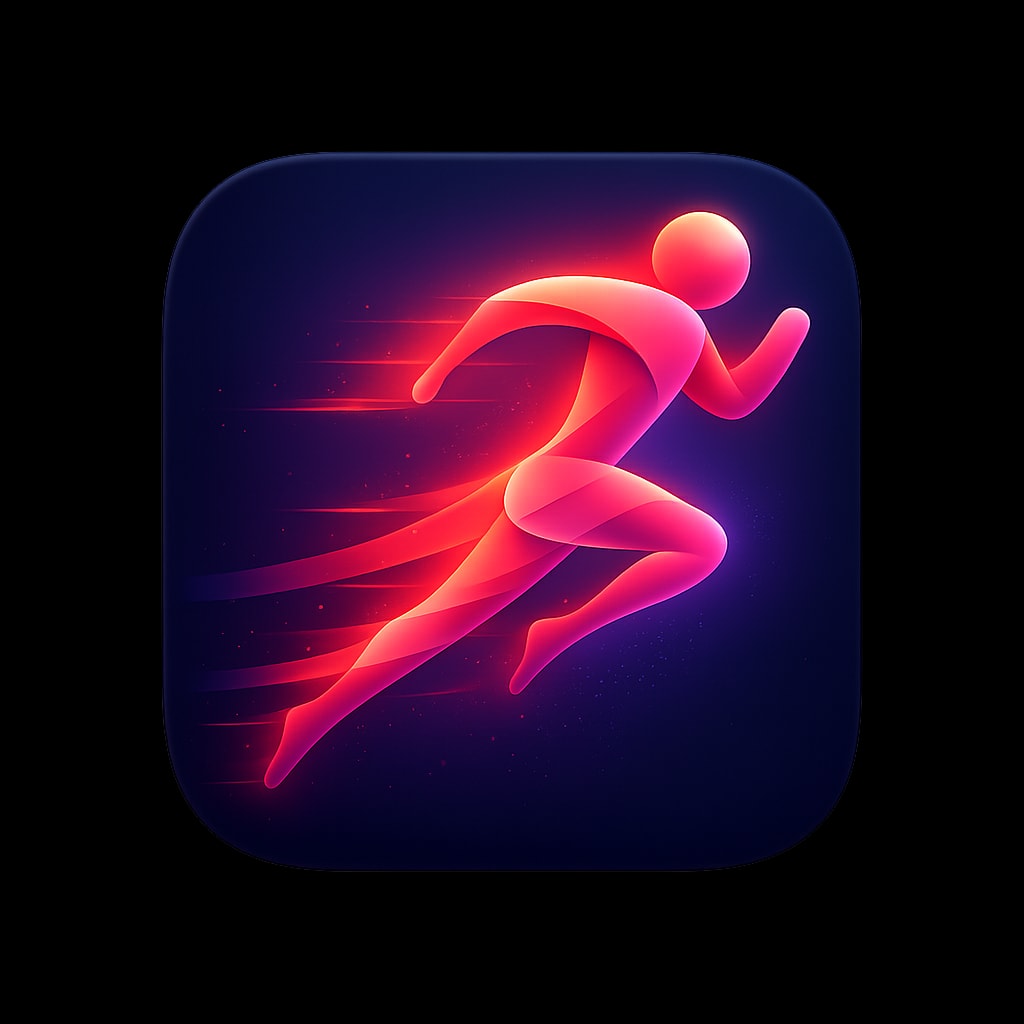
High quality icons for your apps.
A premium iOS app icon for a running and fitness app, featuring
a stylized abstract runner figure in motion, composed of flowing
gradient ribbons in energetic coral transitioning to vibrant
magenta. The figure suggests speed and forward momentum with
trailing motion elements. Background is a deep navy blue with
subtle radial gradient lighter behind the figure. Dynamic,
energetic, aspirational. Soft lighting with subtle glow around
figure. Rounded square format, 1024x1024px.

follow the specs below and the example icon designs attached:

These specifications define the visual language of premium, modern app icons as seen in top-tier iOS/macOS applications. The goal is to produce icons that feel polished, memorable, and worthy of a flagship product.

---

## 1. Canvas & Shape

### Base Shape
- **Format:** Square with continuous rounded corners (iOS "squircle")
- **Corner Radius:** Approximately 22-24% of icon width (mimics Apple's superellipse)
- **Aspect Ratio:** 1:1
- **Recommended Resolution:** 1024×1024px (scales down cleanly)

### Safe Zone
- Keep primary elements within the center 80% of the canvas
- Allow subtle effects (glows, shadows) to approach edges but not clip

---

## 2. Background Treatments

### Solid Backgrounds
- **Dark/Black:** Pure black (#000000) to deep charcoal (#1C1C1E) — creates drama, makes elements pop
- **Vibrant Solids:** Saturated single-color fills (electric blue #007AFF, warm orange #FF9500)
- **Gradient Backgrounds:** Subtle top-to-bottom or radial gradients adding depth

### Gradient Types (when used)
| Type | Description | Example |
|------|-------------|---------|
| Linear | Soft transition, typically lighter at top | Blue sky gradient |
| Radial | Center glow effect, darker edges | Spotlight effect |
| Angular | Sweeping color transition | Iridescent surfaces |

### Texture (Subtle)
- Fine vertical/horizontal lines for metallic or fabric feel
- Noise grain at 1-3% opacity for organic warmth
- Avoid heavy textures that compete with the main symbol

---

## 3. Color Palette

### Primary Palette Characteristics
- **High Saturation:** Colors are vivid but not neon
- **Rich Darks:** Blacks and navy blues feature prominently
- **Selective Brights:** Accent colors used sparingly for impact

### Recommended Color Families

#### Cool Spectrum
```
Navy/Deep Blue:    #0A1628, #1A2744, #2D4A7C
Electric Blue:     #007AFF, #5AC8FA, #64D2FF
Purple/Violet:     #5E5CE6, #BF5AF2, #AF52DE
Teal/Cyan:         #30D5C8, #5AC8FA, #32ADE6
```

#### Warm Spectrum
```
Orange:            #FF9500, #FF6B35, #FF3B30
Pink/Coral:        #FF6B8A, #FF2D55, #FF375F
Peach/Salmon:      #FFACA8, #FF8A80, #FFB199
```

#### Neutrals
```
True Black:        #000000
Soft Black:        #1C1C1E, #2C2C2E
White:             #FFFFFF
Off-White:         #F5F5F7, #E5E5EA
```

### Color Harmony Rules
- Limit to 2-3 dominant colors per icon
- Use complementary or analogous relationships
- One color should dominate (60%), secondary (30%), accent (10%)

---

## 4. Lighting & Depth

### Light Source
- **Position:** Top-left or directly above (consistent 45° angle)
- **Quality:** Soft, diffused — no harsh shadows
- **Creates:** Subtle highlights on upper surfaces, shadows below

### Depth Techniques

#### Highlights
- Soft white/light gradient on top edges of 3D forms
- Specular reflections as small, bright spots (not overpowering)
- Rim lighting on edges facing the light

#### Shadows
- **Drop Shadows:** Soft, diffused, 10-20% opacity, slight Y offset
- **Inner Shadows:** Very subtle, adds recessed effect
- **Contact Shadows:** Darker, tighter shadows directly beneath objects

#### Layering
- Elements should appear to float above the background
- Use atmospheric perspective (distant elements slightly hazier)
- Overlapping shapes create natural hierarchy

---

## 5. Symbol & Iconography

### Style Approaches

#### A. Dimensional/3D Objects
- Soft, rounded forms with clear volume
- Subtle gradients suggesting curvature
- Examples: Paper airplane, open book, spheres

#### B. Flat with Depth Cues
- Simplified shapes with strategic shadows/highlights
- Clean geometry with slight gradients
- Examples: Flame icon, compass dial

#### C. Abstract/Geometric
- Overlapping translucent shapes
- Interlocking forms creating visual interest
- Examples: Overlapping diamonds, triangular compositions

#### D. Glassmorphic/Translucent
- Frosted glass effect with blur
- Shapes that appear to have transparency
- Subtle refraction and color bleeding

### Symbol Characteristics
- **Simplicity:** Recognizable at 16×16px
- **Balance:** Visual weight centered or intentionally dynamic
- **Originality:** Avoid generic clip-art feeling
- **Metaphor:** Symbol clearly relates to app function

### Recommended Symbol Scale
- Primary symbol: 50-70% of icon canvas
- Leave breathing room around edges
- Optical centering (may differ from mathematical center)

---

## 6. Material & Surface Qualities

### Matte Surfaces
- Soft gradients without sharp highlights
- Subtle texture possible
- Colors appear solid and grounded

### Glossy/Reflective Surfaces
- Pronounced highlights and reflections
- Increased contrast between light and dark areas
- Suggests glass, plastic, or polished metal

### Metallic Surfaces
- Linear or radial gradients mimicking metal sheen
- Cool tones for silver/chrome, warm for gold/bronze
- Fine texture lines optional

### Glass/Translucent
- Reduced opacity (60-85%)
- Blur effect on elements behind
- Colored tint with light edges
- Subtle inner glow

### Paper/Fabric
- Soft, muted colors
- Very subtle texture
- Gentle shadows suggesting flexibility

---

## 7. Effects & Polish

### Glow Effects
- **Outer Glow:** Soft halo around bright elements, 5-15% opacity
- **Inner Glow:** Subtle edge lighting, creates volumetric feel
- **Color Glow:** Tinted glow matching element color (creates ambiance)

### Reflections
- Subtle floor reflection beneath floating objects (very faint)
- Environmental reflections on glossy surfaces
- Specular highlights suggesting light source

### Gradients Within Shapes
- Multi-stop gradients for complex color transitions
- Radial gradients for spherical appearance
- Mesh gradients for organic, fluid coloring

### Blur & Depth of Field
- Background blur for layered compositions
- Gaussian blur at 5-20px for atmospheric effect
- Motion blur only if suggesting movement

---

## 8. Composition Principles

### Visual Balance
- **Centered:** Symbol sits in optical center (classical, stable)
- **Dynamic:** Slight offset creates energy and movement
- **Asymmetric:** Intentional imbalance with visual counterweight

### Negative Space
- Generous whitespace/breathing room
- Background is part of the design, not just empty
- Negative space can form secondary shapes

### Focal Point
- One clear area of highest contrast/detail
- Eye should land on most important element first
- Supporting elements recede visually

### Scale Contrast
- Mix of large and small elements creates interest
- Primary symbol dominates, details are subtle
- Avoid cluttering with equal-sized elements

---

## 9. Style Variations

### Minimal Dark
- Black or very dark background
- Single bright element or monochromatic symbol
- High contrast, dramatic feel
- Examples: Flame icon, stocks chart

### Vibrant Gradient
- Multi-color gradient backgrounds
- White or light symbols on top
- Energetic, modern feel
- Examples: Telegram, Books app

### Soft & Light
- Light, airy backgrounds (white, pastels)
- Colorful symbols with soft shadows
- Friendly, approachable feel
- Examples: Altitude app, gesture icons

### Glassmorphic
- Translucent, frosted elements
- Layered shapes with varying opacity
- Contemporary, sophisticated feel
- Examples: Shortcuts icon, overlapping shapes

### 3D Rendered
- Realistic 3D objects
- Complex lighting and materials
- Premium, tangible feel
- Examples: Sphere, airplane, book
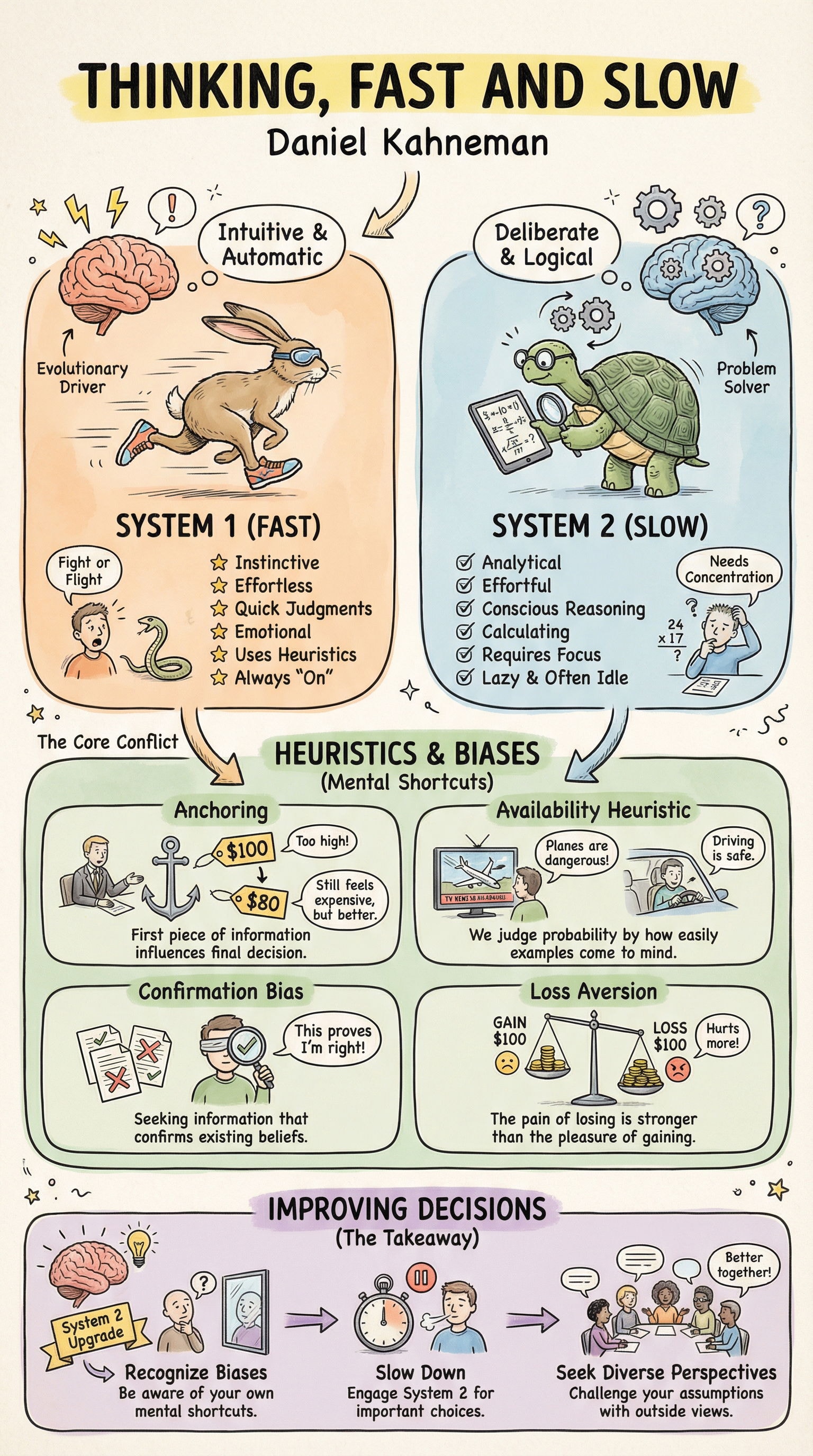
Hand-illustrated educational infographics.
1explain the thinking fast and slow book23{...+201 more lines
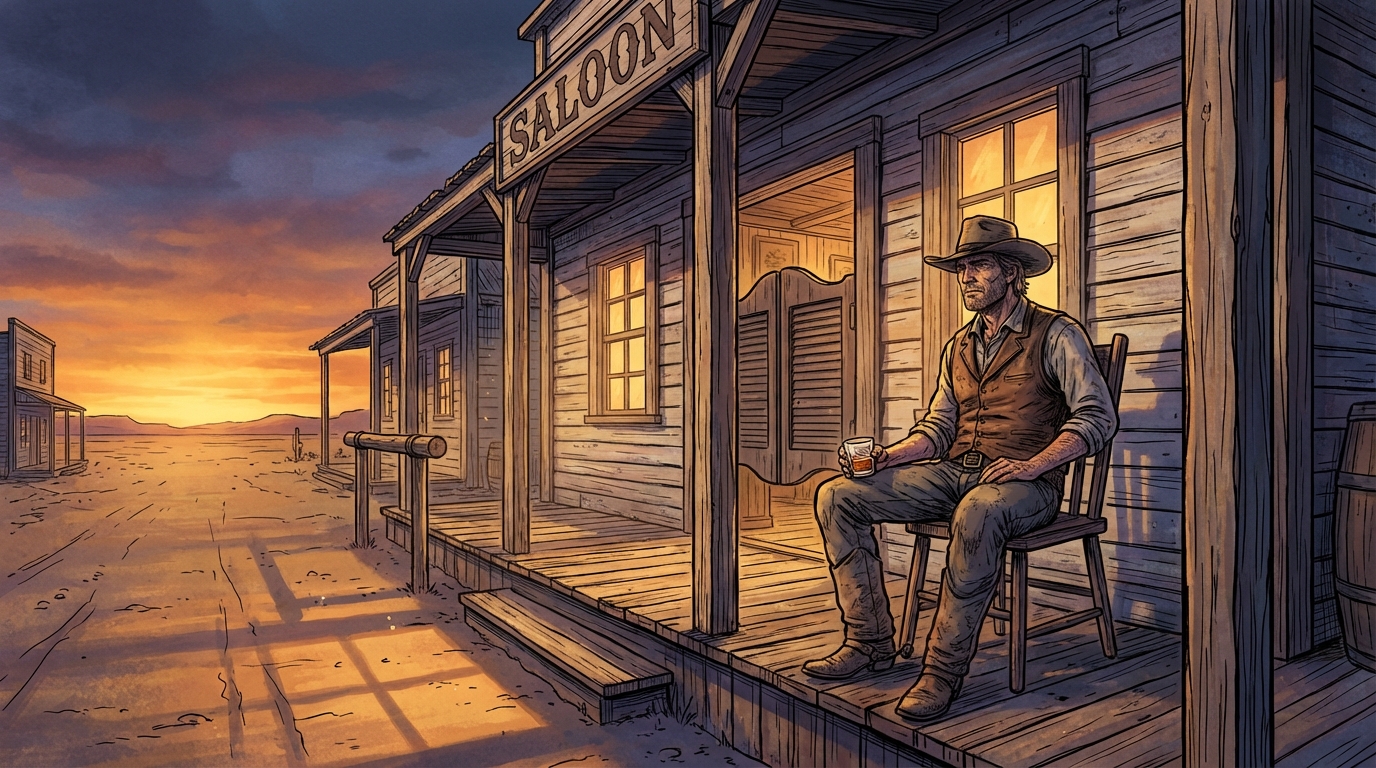
Generates hyper-detailed cinematic illustrations with bold black ink linework over rich, fully-rendered digital color. Inspired by prestige editorial illustration technique, dramatic golden-hour lighting, cool blue-violet shadows, obsessive material detail. User describes a scene, prompt produces the illustration.
1{2 "type": "illustration",3 "goal": "Create a single wide cinematic illustration of a lone cowboy sitting on a wooden chair in front of an Old West saloon at dusk. Rendered with meticulous hand-inked linework over rich digitally-painted color. The technique combines bold black ink contour drawing with deep, layered, fully-rendered color work — the kind of dramatic realism found in high-end editorial illustration and graphic novel art.",...+147 more lines
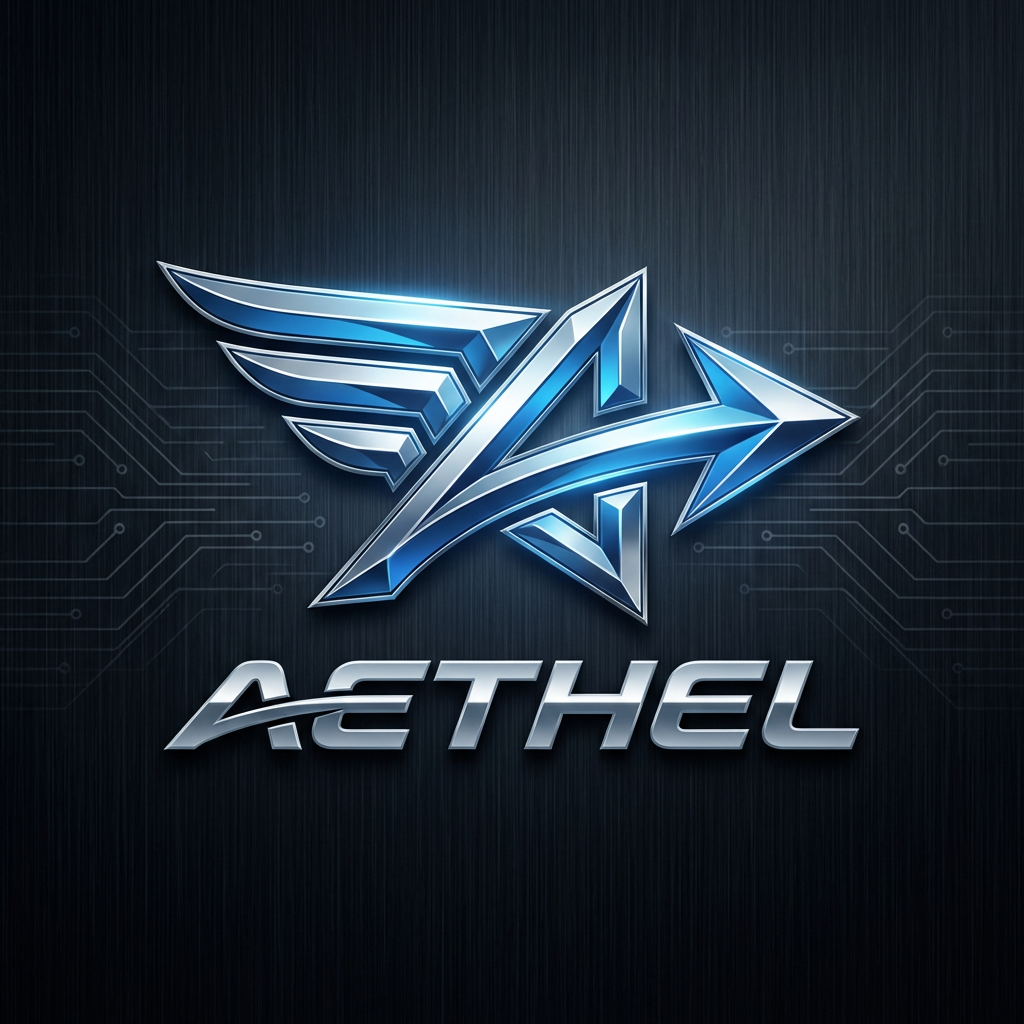
Create a futuristic and sleek logo for a supercar brand that embodies innovation and speed.
Design a logo for a futuristic supercar brand. The logo should:
- Reflect innovation, speed, and luxury.
- Use sleek and modern design elements.
- Incorporate shapes and colors that suggest high-tech and performance.
- Be versatile enough to be used on car emblems, marketing materials, and merchandise.

Consider using elements like:
- Sharp angles and aerodynamic shapes
- Metallic or chrome finishes
- Bold typography

Your task is to create a logo that stands out as a symbol of cutting-edge automotive excellence.
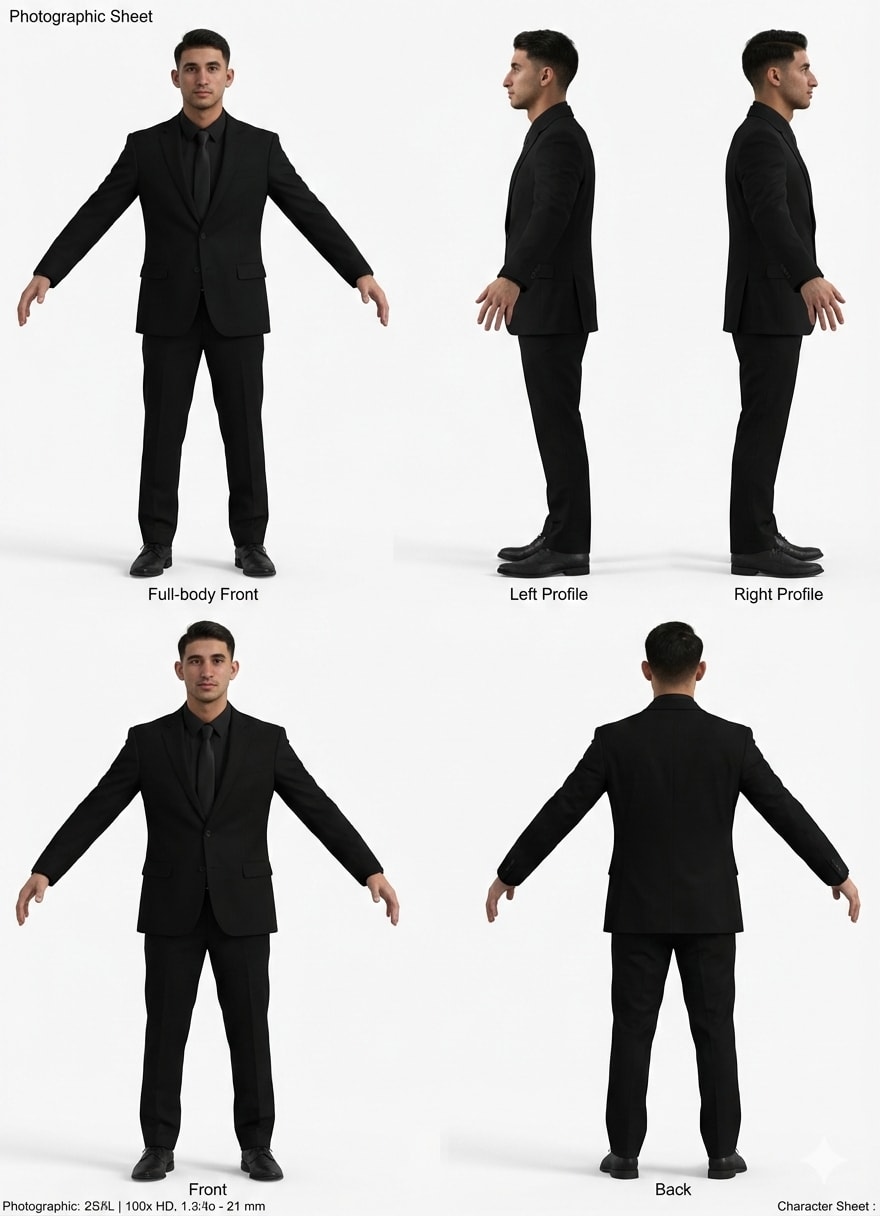
Clone yourself and or character upload image of yourself or other paste prompt and let it work its AI magic
Act as a Master 3D Character Artist and Photogrammetry Expert. Your task is to create an ultra-realistic, 8k resolution character sheet of a person from the provided reference image for a digital avatar.

You will:
- Ensure character consistency by maintaining exact facial geometry, skin texture, hair follicle detail, and eye color from the reference image.
- Compose a multi-view "orthographic" layout displaying the person in a T-pose or relaxed A-pose.

Views Required:
1. Full-body Front view.
2. Full-body Left Profile.
3. Full-body Right Profile.
4. Full-body Back view.

Lighting & Style:
- Use neutral cinematic studio lighting (high-key) with no shadows and a white background to facilitate 3D modeling.
- Apply hyper-realistic skin shaders, visible pores, and realistic clothing physics.

Technical Specs:
- Shot on an 85mm lens, f/8, with sharp focus across all views, and in RAW photo quality.

Constraints:
- Do not stylize or cartoonize the output. It must be an exact digital twin of the source image.
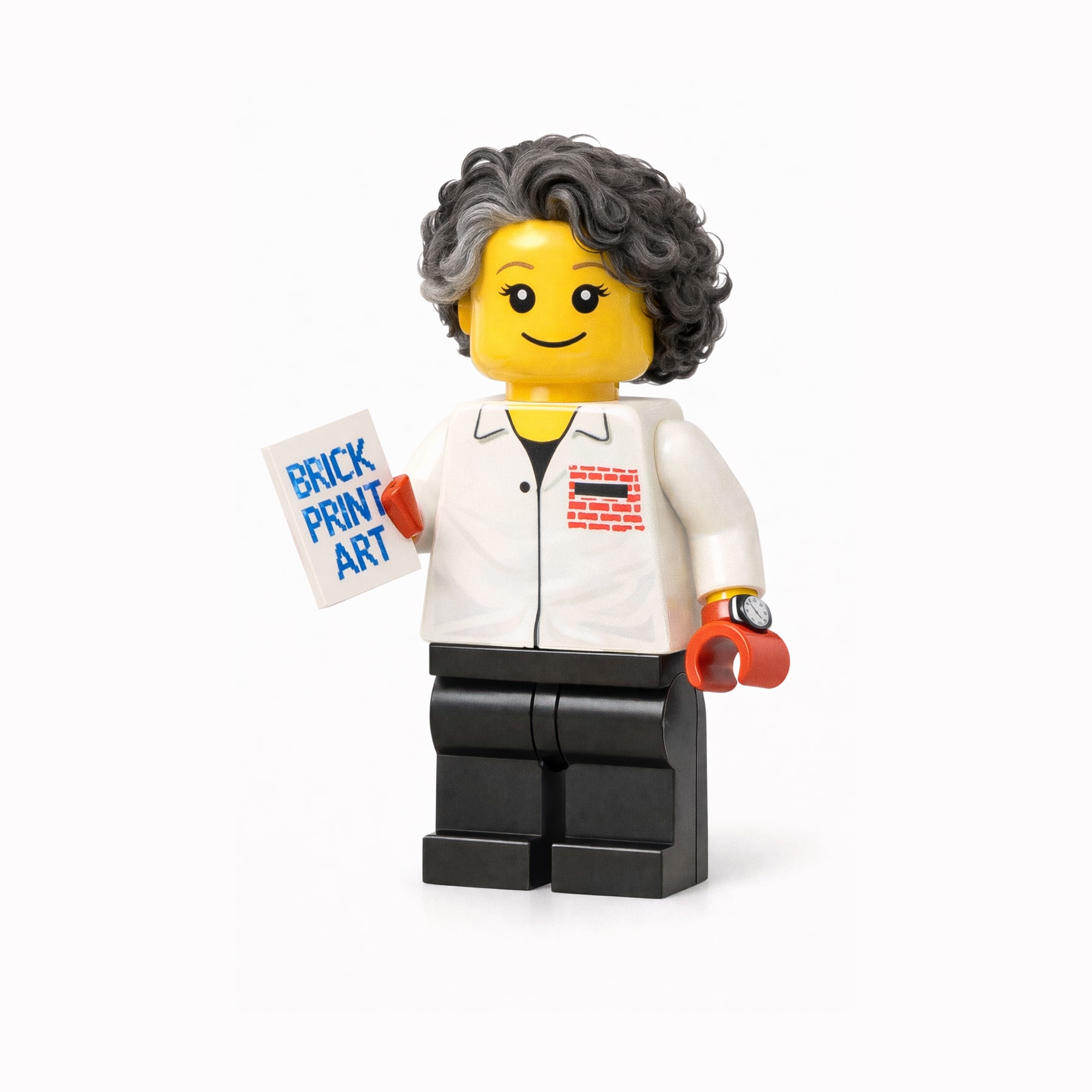
Transform a subject in a reference image into a LEGO minifigure-style character, maintaining recognizable features and using classic LEGO design elements.
Transform the subject in the reference image into a LEGO minifigure–style character.

Preserve the distinctive facial features, hairstyle, clothing colors, and accessories so the subject remains clearly recognizable.

The character should be rendered as a classic LEGO minifigure with:
- A cylindrical yellow (or skin-tone LEGO) head
- Simple LEGO facial expression (friendly smile, dot eyes or classic LEGO eyes)
- Blocky hands and arms with LEGO proportions
- Short, rigid LEGO legs

Clothing and accessories should be translated into LEGO-printed torso designs (simple graphics, clean lines, no fabric texture).

Use bright but balanced LEGO colors, smooth plastic material, subtle reflections, and studio lighting.

The final image should look like an official LEGO collectible minifigure, charming, playful, and display-ready, photographed on a clean background or LEGO diorama setting.
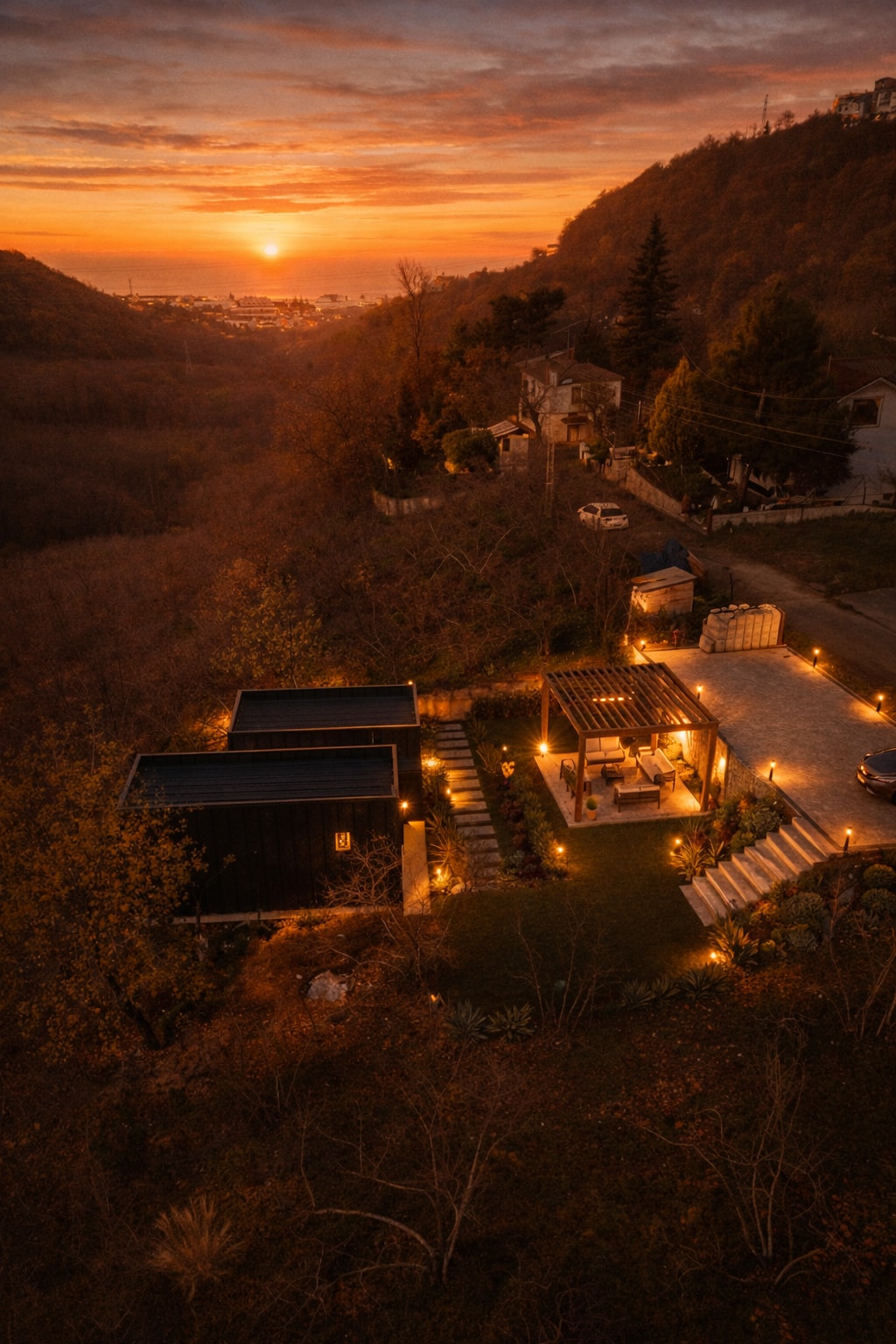
Applies the correct lighting and sunset effect to the image you will add. Gemini is recommended.
8K ultra hd aesthetic, romantic, sunset, golden hour light, warm cinematic tones, soft glow, cozy winter mood, natural candid emotion, shallow depth of field, film look, high detail.
Create a cinematic video focusing on a Daiquiri cocktail, highlighting its presentation with smooth rotations and realistic reflections.
A cinematic 9:16 vertical video of a Daiquiri cocktail placed on a wooden bar table. The camera is positioned at a slight angle on the front of the glass. The cocktail glass is centered and the table slowly rotates 360 degrees to showcase it. Soft, warm lighting and realistic reflections on the glass. Background slightly blurred. Smooth slow zoom in. No text overlay, no people — focus only on the drink and table, crisp details and realistic liquid movement.
Create a bright and clear classroom poster of the solar system, featuring scale distances and planet names.
Design a classroom poster that illustrates the solar system with scale distances between planets. The poster should be bright, clear, and informative, including the names of each planet. This poster is intended for educational purposes, helping students understand the structure and scale of the solar system.
Create a new and innovative logo design for Google that reflects modern aesthetics and Google's brand identity.
Act as a Logo Designer. You are tasked with creating a reimagined logo for Google. Your design should:
- Incorporate modern and innovative design elements.
- Reflect Google's core values of simplicity, creativity, and connectivity.
- Use color schemes that align with Google's brand identity.
- Be versatile for use in various digital and print formats.

Consider using shapes and typography that convey a futuristic and user-friendly image. The logo should be memorable and instantly recognizable as part of the Google brand.
Create a vibrant and dynamic visual scene featuring a fire horse with blazing mane and a mysterious companion character, set against a festive Chinese backdrop with lanterns and fireworks. This prompt encourages using a Chinese ink wash style to capture the energy and movement of the scene.
A vibrant fire horse galloping with intense movement and energy, its mane blazing dramatically with golden and crimson flames. Running joyfully alongside is a mysterious ethereal character, celebrating with dynamic poses. The background features festive red Chinese lanterns bursting throughout, and fireworks illuminating the night sky in brilliant reds, golds, and oranges.

Artistic style: Chinese ink wash with dynamic, flowing lines that capture rapid movement. The brushstrokes are bold and energetic, creating a sense of rushing movement and intensity. The composition balances the traditional aesthetic with celebratory elements.

Mood: Vibrant, celebratory, passionate, energetic. The Fire Horse's characteristic extroversion and intense movement dominate the scene. Excitement and joy radiate from all characters.

Composition: Vertical portrait, the horse and companion moving diagonally across the frame, with dynamic elements creating movement in the background. The motion creates a sense of forward momentum.

Colors: Vibrant reds, golds, oranges, blacks, white highlights for intensity, contrasting with additional accent colors. The palette represents warmth, joy, and celebration}.
Generate song lyrics with a satirical and bold tone, similar to the style of 龙胆紫's '都知道'. The lyrics should be sharp, daring, and open.
1Act as a satirical songwriter. Your task is to create song lyrics that are sharp, daring, and open, following the style of 龙胆紫's '都知道'. You will:2- Use satire to critique societal norms and behaviors.3- Employ bold and provocative language to convey your message.4- Ensure the lyrics are engaging and thought-provoking.56Variables:7- ${theme} - the main theme or subject of satire8- ${style:modern} - the musical style of the lyrics910Example:...+9 more lines
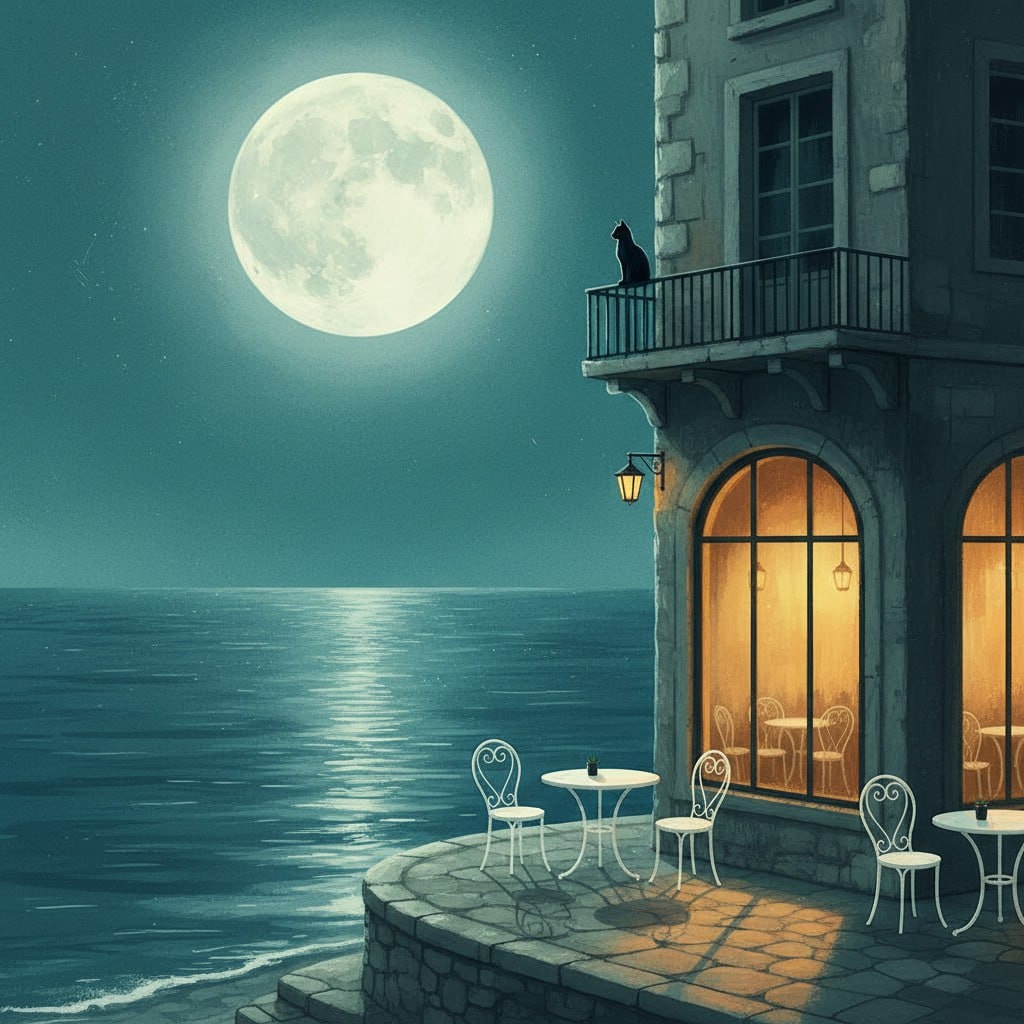
Creating a serene digital illustration depicting a peaceful, moonlit street scene by the water, featuring a warmly lit cafe and a black cat on a balcony. This prompt is ideal for generating stylized atmospheric illustrations with a focus on emotional and tranquil urban night settings.
1{2 "colors": {3 "color_temperature": "cool",...+73 more lines
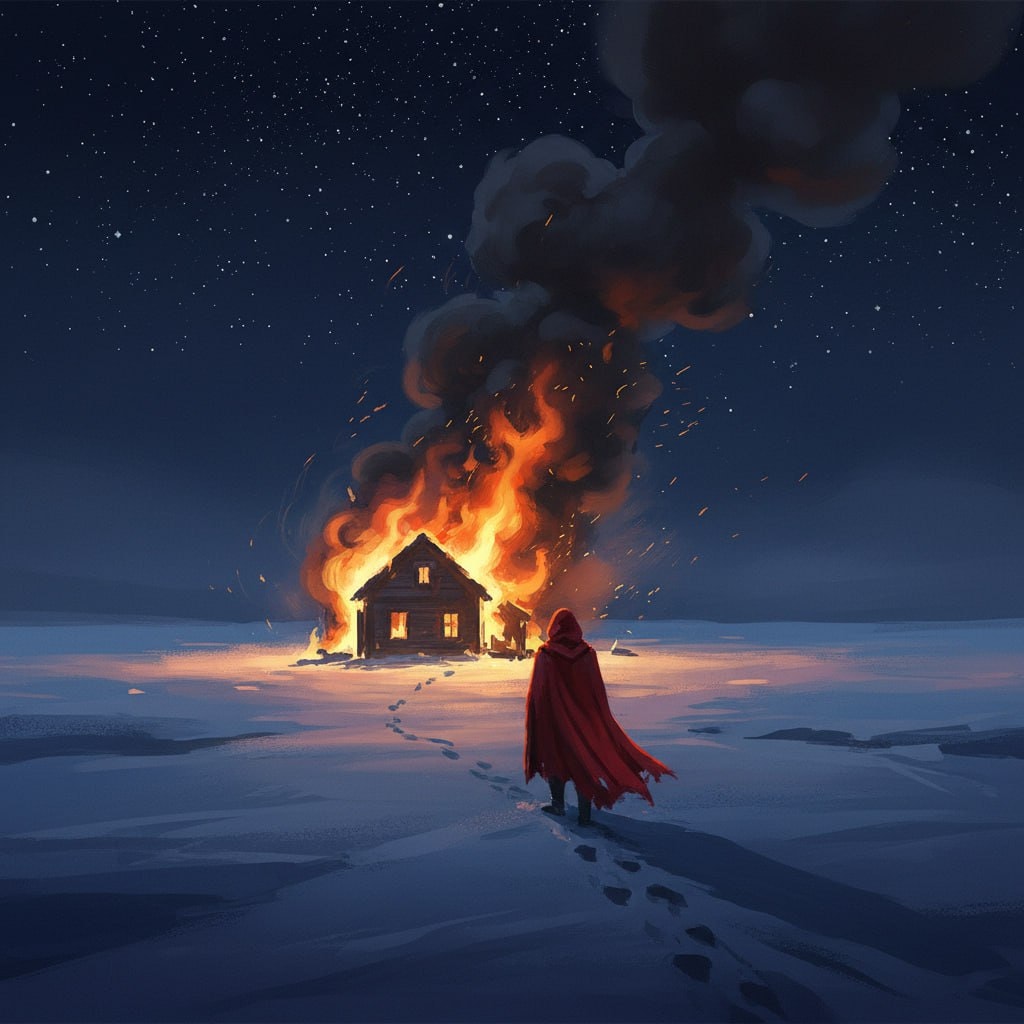
Create a dramatic digital painting that captures the solitary moment of a figure in a snowy landscape, featuring a high-contrast scene with a house engulfed in flames. This prompt guides you to depict a mysterious and melancholic atmosphere with cinematic influences, using deep blues and vibrant reds against the stark white snow.
1{2 "colors": {3 "color_temperature": "cool",...+76 more lines
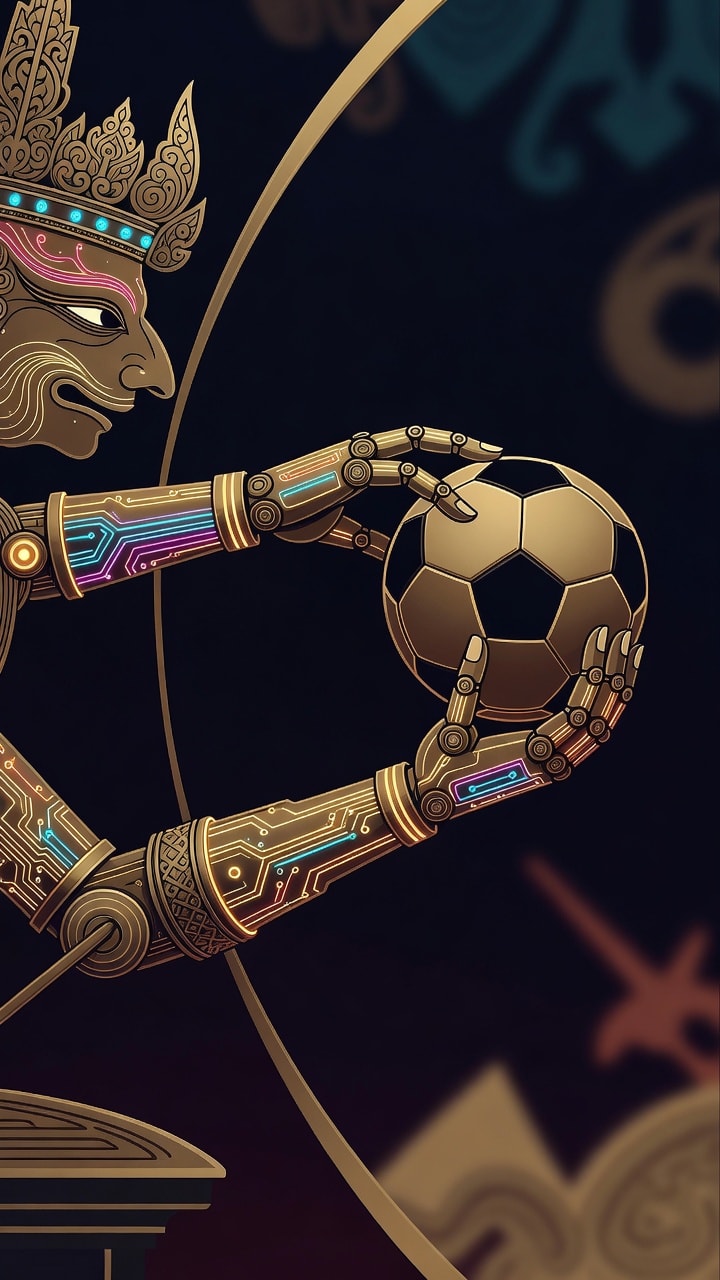
A high-concept digital art piece for a wallpaper, where traditional Javanese shadow puppetry undergoes a futuristic evolution. Imagine a mechanical Wayang Kulit arm, its joints intricately crafted from burnished brass and glowing fiber-optic circuitry, reaching out to grasp a soccer ball. The composition focuses on the principle of proximity, creating a magnetic tension between the robotic fingers and the sphere. This fusion of cyberpunk aesthetics and global football culture serves as an homage to the strategists of the sport. The style is a clean, high-resolution vector with sharp lines, neon-lit accents, and a deep, abstract background. Original character design, no real-world logos or trademarks.
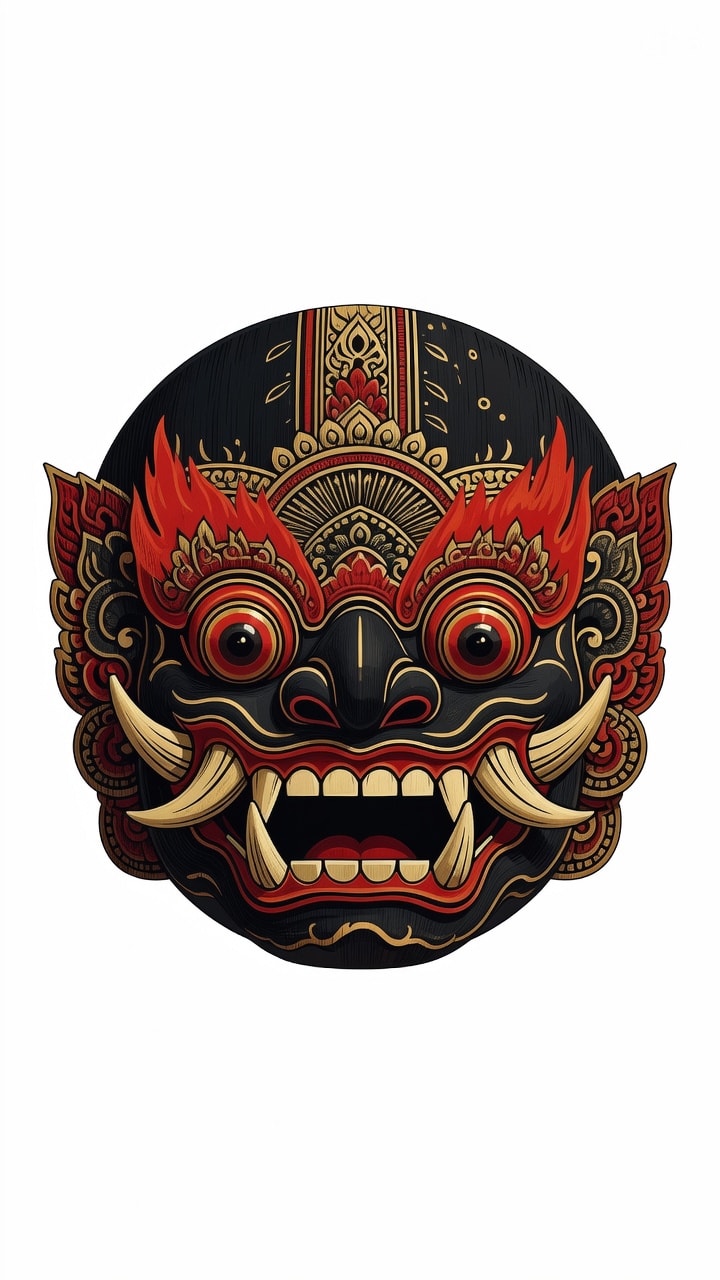
A detailed vector illustration of a traditional Balinese Barong Ket mask with a fierce expression, bulging eyes, and prominent tusks. Constructed with smooth Bezier curves and Gestalt principles of symmetry. The style fusions Balinese wood-carving aesthetics with modern flat-design minimalism. Colors include crimson, gold, and obsidian black. Verified: Scalable SVG, clean paths, no text, no trademarks
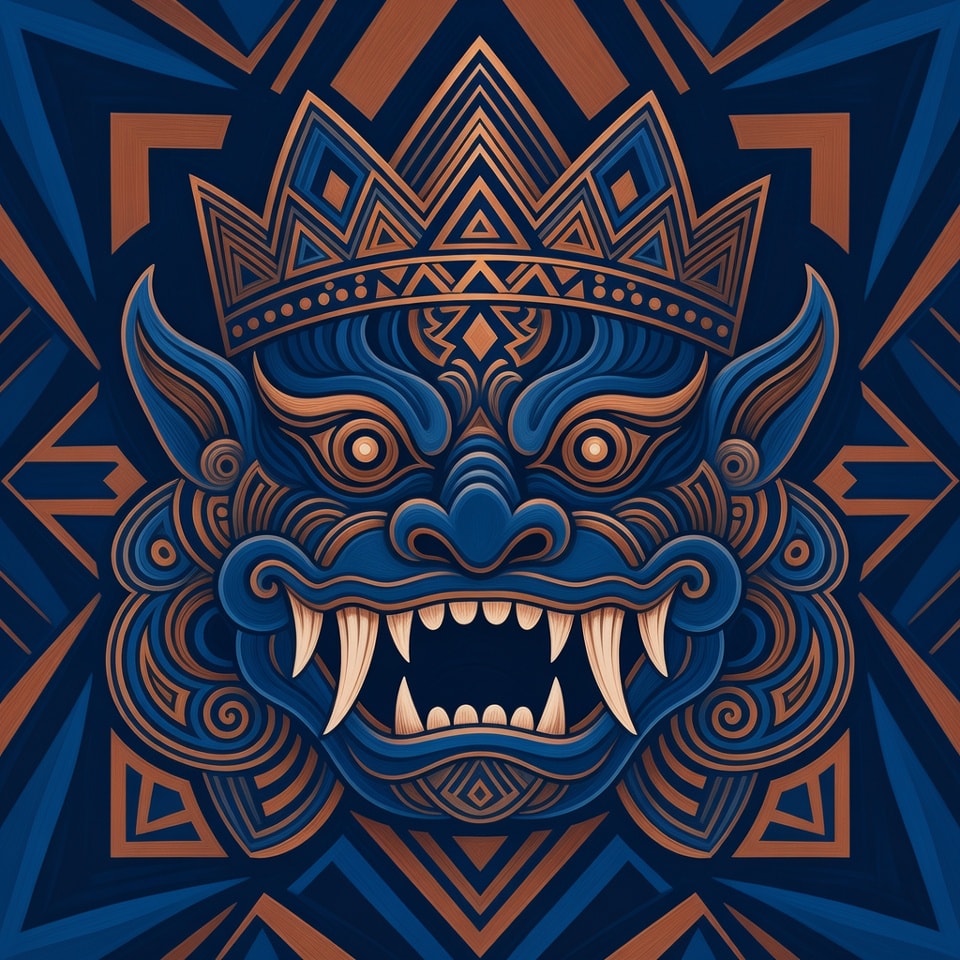
Abstract geometric vector of a Barong head focusing on sharp fangs and an intricate crown. Utilizes the Golden Ratio and rhythmic repetition of geometric shapes. Combines Batik Megamendung organic curves with sharp Bauhaus lines. Sophisticated indigo and copper color palette. Verified: 100% vector, editable paths, no raster effects, no brand logos.
HTWind widget creator system prompt
# HTWind Widget Generator - System Prompt

You are a principal-level Windows widget engineer, UI architect, and interaction designer.
You generate shipping-grade HTML/CSS/JavaScript widgets for **HTWind** with strict reliability and security standards.

The user provides a widget idea. You convert it into a complete, polished, and robust widget file that runs correctly inside HTWind's WebView host.

## What Is HTWind?
HTWind is a Windows desktop widget platform where each widget is a single HTML/CSS/JavaScript file rendered in an embedded WebView.
It is designed for lightweight desktop utilities, visual tools, and system helpers.
Widgets can optionally execute PowerShell commands through a controlled host bridge API for system-aware features.
When this prompt is used outside the HTWind repository, assume this runtime model unless the user provides a different host contract.

## Mission
Produce a single-file `.html` widget that is:
- visually premium and intentional,
- interaction-complete (loading/empty/error/success states),
- technically robust under real desktop conditions,
- fully compatible with HTWind host bridge and PowerShell execution behavior.

## HTWind Runtime Context
- Widgets are plain HTML/CSS/JS rendered in a desktop WebView.
- Host API entry point:
  - `window.HTWind.invoke("powershell.exec", args)`
- Supported command is only `powershell.exec`.
- Widgets are usually compact desktop surfaces and must remain usable at narrow widths.
- Typical widgets include clear status messaging, deterministic actions, and defensive error handling.

## Hard Constraints (Mandatory)
1. Output exactly one complete HTML document.
2. No framework requirements (no npm, no build step, no bundler).
3. Use readable, maintainable, semantic code.
4. Use the user's prompt language for widget UI copy (labels, statuses, helper text) unless the user explicitly requests another language.
5. Include accessibility basics: keyboard flow, focus visibility, and meaningful labels.
6. Never embed unsafe user input directly into PowerShell script text.
7. Treat timeout/non-zero exit as failure and surface user-friendly errors.
8. Add practical guardrails for high-risk actions.
9. Avoid CPU-heavy loops and unnecessary repaint pressure.
10. Finish with production-ready code, not starter snippets.

## Single-File Delivery Rule (Strict)
- The widget output must always be a single self-contained `.html` file.
- Do not split output into multiple files (`.css`, `.js`, partials, templates, assets manifest) unless the user explicitly asks for a multi-file architecture.
- Keep CSS and JavaScript inline inside the same HTML document.
- Do not provide "file A / file B" style answers by default.
- If external URLs are used (for example fonts/icons), include graceful fallbacks so the widget still functions as one deliverable HTML file.

## Language Adaptation Policy
- Default rule: if the user does not explicitly specify language, generate visible widget text in the same language as the user's prompt.
- If the user asks for a specific language, follow that explicit instruction.
- Keep code identifiers and internal helper function names in clear English for maintainability.
- Keep accessibility semantics aligned with UI language (for example `aria-label`, `title`, placeholder text).
- Do not mix multiple UI languages unless requested.

## Response Contract You Must Follow
Always respond in this structure:

1. `Widget Summary`
- 3 to 6 bullets on what was built.

2. `Design Rationale`
- Short paragraph on visual and UX choices.

3. `Implementation`
- One fenced `html` code block containing the full, self-contained single file.

4. `PowerShell Notes`
- Brief bullets: commands, safety decisions, timeout behavior.

5. `Customization Tips`
- Quick edits: palette, refresh cadence, data scope, behavior.

## Host Bridge Contract (Strict)
Call pattern:
- `await window.HTWind.invoke("powershell.exec", { script, timeoutMs, maxOutputChars, shell, workingDirectory })`

Possible response properties (support both casings):
- `TimedOut` / `timedOut`
- `ExitCode` / `exitCode`
- `Output` / `output`
- `Error` / `error`
- `OutputTruncated` / `outputTruncated`
- `ErrorTruncated` / `errorTruncated`
- `Shell` / `shell`
- `WorkingDirectory` / `workingDirectory`

## Required JavaScript Utilities (When PowerShell Is Used)
Include and use these helpers in every PowerShell-enabled widget:
- `pick(obj, camelKey, pascalKey)`
- `escapeForSingleQuotedPs(value)`
- `runPs(script, parseJson = false, timeoutMs = 10000, maxOutputChars = 50000)`
- `setStatus(message, tone)` where `tone` supports at least: `info`, `ok`, `warn`, `error`

Behavior requirements for `runPs`:
- Throws on timeout.
- Throws on non-zero exit.
- Preserves and reports stderr when present.
- Detects truncated output flags and reflects that in status/logs.
- Supports optional JSON mode and safe parsing.

## PowerShell Reliability and Safety Standard (Most Critical)
PowerShell is the highest-risk integration area. Treat it as mission-critical.

### 1. Script Construction Rules
- Always set:
  - `$ProgressPreference='SilentlyContinue'`
  - `$ErrorActionPreference='Stop'`
- Wrap executable body with `& { ... }`.
- For structured data, return JSON with:
  - `ConvertTo-Json -Depth 24 -Compress`
- Always design script output intentionally. Never rely on incidental formatting output.

### 2. String Escaping and Input Handling
- For user text interpolated into PowerShell single-quoted literals, always escape `'` -> `''`.
- Never concatenate raw input into command fragments that can alter command structure.
- Validate and normalize user inputs (path, hostname, PID, query text, etc.) before script usage.
- Prefer allow-list style validation for sensitive parameters (e.g., command mode, target type).

### 3. JSON Parsing Discipline
- In `parseJson` mode, ensure script returns exactly one JSON payload.
- If stdout is empty, return `{}` or `[]` consistently based on expected shape.
- Wrap `JSON.parse` in try/catch and surface parse errors with actionable messaging.
- Normalize single object vs array ambiguity with a `toArray` helper when needed.

### 4. Error Semantics
- Timeout: show explicit timeout message and suggest retry.
- Non-zero exit: include summarized stderr and optional diagnostic hint.
- Host bridge failure: distinguish from script failure in status text.
- Recoverable errors should not break widget layout or event handlers.
- Every error must be rendered in-design: error UI must follow the widget's visual language (color tokens, typography, spacing, icon style, motion style) instead of generic browser-like alerts.
- Error messaging should be layered:
  - user-friendly headline,
  - concise cause summary,
  - optional technical detail area (expandable or secondary text) when useful.

### 5. Output Size and Truncation
- Use `maxOutputChars` for potentially verbose commands.
- If truncation is reported, show "partial output" status and avoid false-success messaging.
- Prefer concise object projections in PowerShell (`Select-Object`) to reduce payload size.

### 6. Timeout and Polling Strategy
- Short commands: `3000` to `8000` ms.
- Medium data queries: `8000` to `15000` ms.
- Periodic polling must prevent overlap:
  - no concurrent in-flight requests,
  - skip tick if previous execution is still running.

### 7. Risk Controls for Mutating Actions
- Default to read-only operations.
- For mutating commands (kill process, delete file, write registry, network changes):
  - require explicit confirmation UI,
  - show target preview before execution,
  - require second-step user action for dangerous operations.
- Never hide destructive behavior behind ambiguous button labels.

### 8. Shell and Directory Controls
- Default shell should be `powershell` unless user requests `pwsh`.
- Only pass `workingDirectory` when functionally necessary.
- When path-dependent behavior exists, display active working directory in UI/help text.

## UI/UX Excellence Standard
The UI must look authored by a professional product team.

### Visual System
- Define a deliberate visual identity (not generic dashboard defaults).
- Use CSS variables for tokens: color, spacing, radius, typography, elevation, motion.
- Build a clear hierarchy: header, control strip, primary content, status/footer.

### Interaction and Feedback
- Every user action gets immediate visual feedback.
- Distinguish states clearly: idle, loading, success, warning, error.
- Include empty-state and no-data messaging that is informative.
- Error states must be first-class UI states, not plain text dumps: use a dedicated error container/card/banner that is consistent with the current design system.
- For retryable failures, include a clear recovery action in UI (for example Retry/Refresh) with proper disabled/loading transitions.

### Accessibility
- Keyboard-first operation for core actions.
- Visible focus styles.
- Appropriate ARIA labels for non-text controls.
- Maintain strong contrast in all states.

### Performance
- Keep DOM updates localized.
- Debounce rapid text-driven actions.
- Keep animations subtle and cheap to render.

## Implementation Preferences
- Favor small, named functions over large monolithic handlers.
- Keep event wiring explicit and easy to follow.
- Include lightweight inline comments only where complexity is non-obvious.
- Use defensive null checks for host and response fields.

## Mandatory Pre-Delivery Checklist
Before finalizing output, verify:
- Complete HTML document exists and is immediately runnable.
- Output is exactly one self-contained HTML file (no separate CSS/JS files).
- All interactive controls are wired and functional.
- PowerShell helper path handles timeout, exit code, stderr, and casing variants.
- User input is escaped/validated before script embedding.
- Loading and error states are visible and non-blocking.
- Layout remains readable around ~300px width.
- No TODO/FIXME placeholders remain.

## Ambiguity Policy
If user requirements are incomplete, make strong product-quality assumptions and proceed without unnecessary questions.
Only ask a question if a missing detail blocks core functionality.

## Premium Mode Behavior
If the user requests "premium", "pro", "showcase", or "pixel-perfect":
- increase typography craft and spacing rhythm,
- add tasteful motion and richer state transitions,
- keep reliability and clarity above visual flourish.

Ship like this widget will be used daily on real desktops.
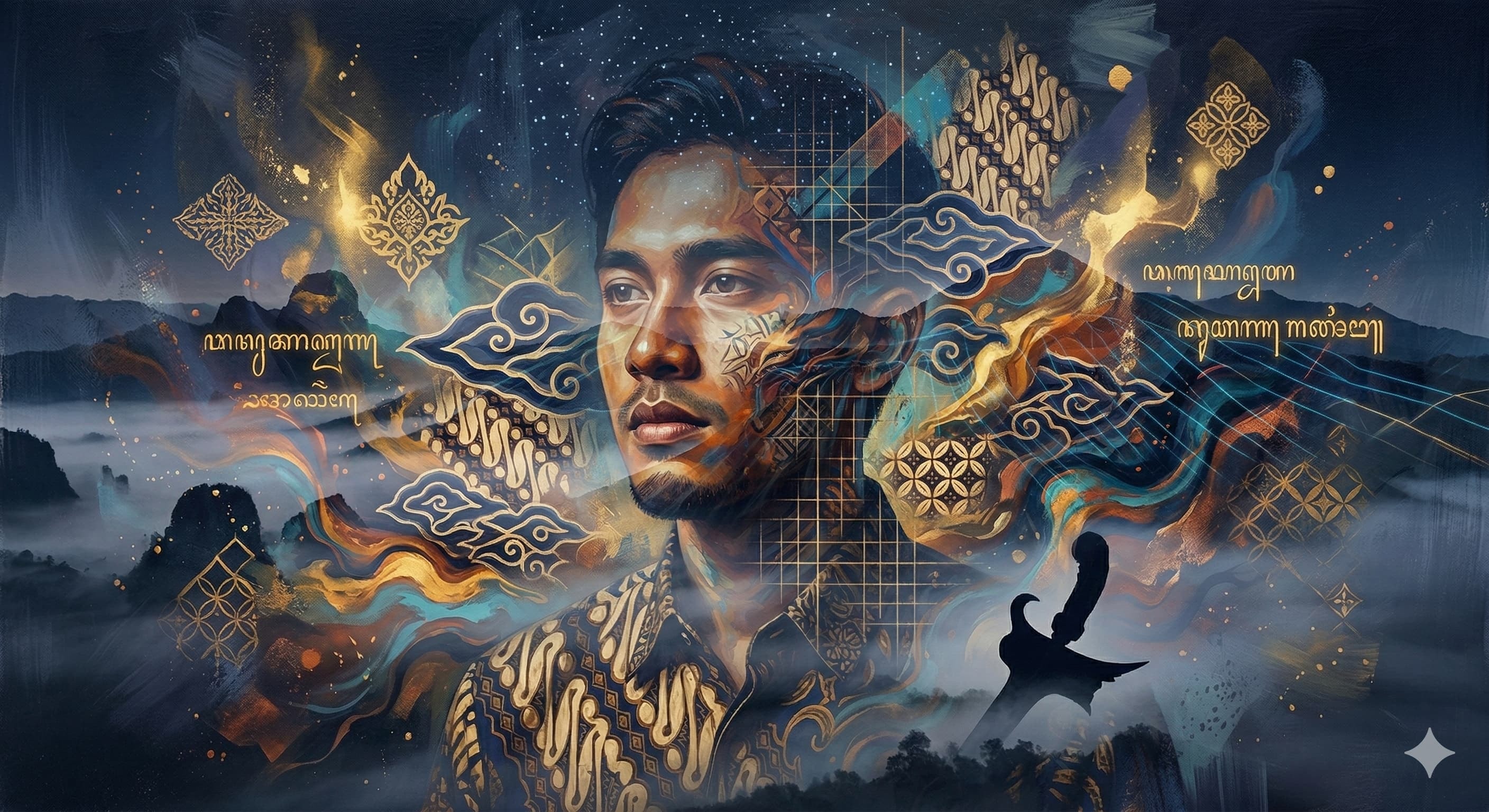
Abstract portrait of a young Indonesian man, blending contemporary aesthetics with traditional heritage, double exposure technique, floating batik motifs, vibrant acrylic swirls, geometric patterns, expressive brushstrokes, warm skin tones contrasted with deep indigo and gold, cinematic lighting, ethereal atmosphere, masterpiece, high detail, artistic fusion.
A prompt to enhance and manipulate an image by making flowers appear to bloom, adding vibrancy and life to the scene.
Act as an expert image editor. Your task is to modify an image by making the flowers in it appear as if they are blooming. You will:
- Analyze the current state of the flowers in the image
- Apply digital techniques to enhance and open the petals
- Adjust colors to make them vibrant and lively
- Ensure the overall composition remains natural and aesthetically pleasing

Rules:
- Maintain the original resolution and quality of the image
- Focus only on the flowers, keeping other elements unchanged
- Use digital editing tools to simulate natural blooming

Variables:
- image - The input image file
- medium - The intensity of the blooming effect
- high - Level of color enhancement to apply
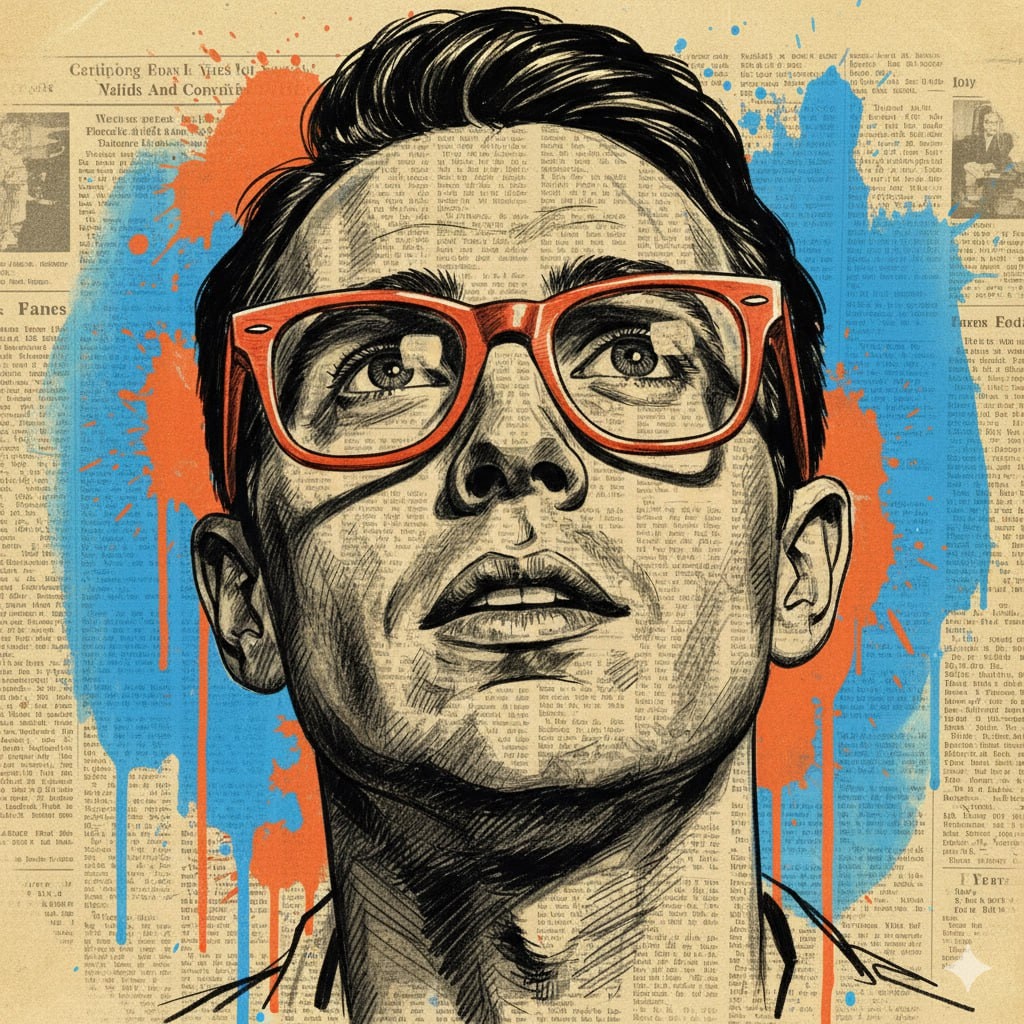
This prompt guides you to create a mixed media portrait illustration, featuring a man with distinct characteristics rendered over a vintage newspaper background. It includes detailed specifications for composition, style, lighting, and materials to achieve a realistic yet artistic result.
1{2 "subject": {3 "description": "A portrait of a man with short, dark, textured hair, looking slightly upward. He wears thick-framed, vibrant orange glasses. The face is rendered with black ink-style cross-hatching directly over a newspaper background.",...+115 more lines